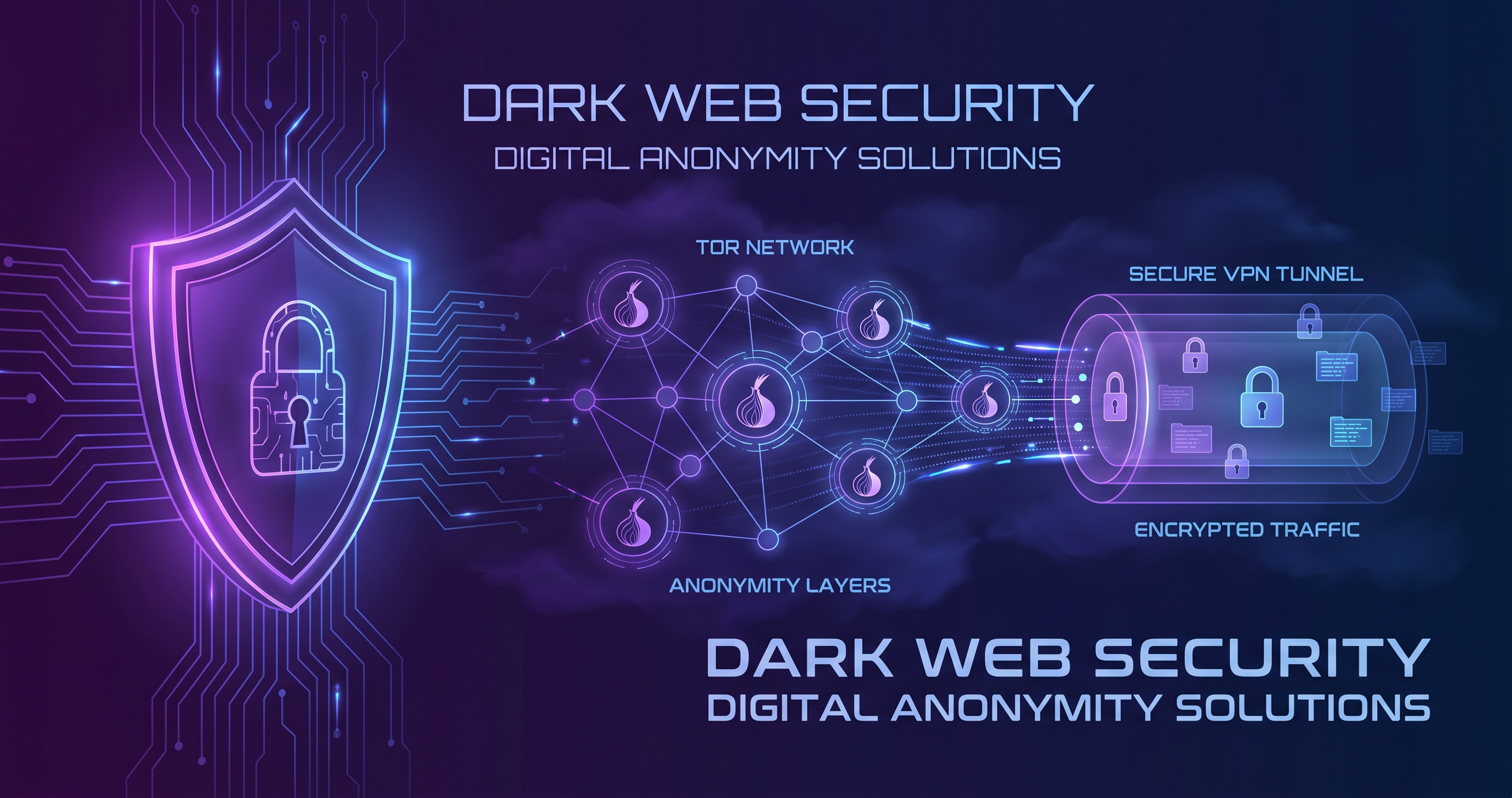
The dark web has become synonymous with secrecy and danger, but the reality is far more nuanced. While illegal activities certainly occur on darknet markets and forums, millions of people use the dark web for legitimate purposes—protecting political freedom, safeguarding privacy, and accessing information in censored countries. This comprehensive guide shows you how to safely navigate the dark web using Tor and VPN, understand the real risks involved, and maintain your anonymity while staying within legal boundaries.
What is the Dark Web? Understanding Tor
The dark web is a small portion of the internet that has been intentionally hidden and requires specific software to access. It's not inherently illegal—it's simply a network designed for privacy.
The Three Layers of the Internet
- Surface Web (95%): Everything indexed by search engines—news sites, social media, email, shopping sites. Anyone can access it with a regular browser.
- Deep Web (4%): Content not indexed by search engines but accessible with standard browsers. Includes your email, online banking, medical records, academic databases, and subscription services. Most of the deep web is completely legal and everyday stuff.
- Dark Web (1%): Intentionally hidden networks requiring specialized software like Tor to access. Home to both legitimate privacy tools and illegal marketplaces.
The Tor Browser is the most common tool for accessing the dark web. It routes your internet traffic through multiple encrypted layers (hence "The Onion Router"), making it nearly impossible to trace your location or identity. When you access a .onion site through Tor, your connection is encrypted and bounced through volunteer-operated relay servers worldwide.
How Tor Works
When you use Tor Browser, your traffic passes through at least three random Tor relays before reaching your destination. Each relay only knows the IP address of the relay before and after it—not the full path or your original location. This multi-layered encryption is what makes Tor powerful for privacy.
Legitimate Reasons to Access the Dark Web
Contrary to popular belief, millions of legitimate users access the dark web daily. Understanding these use cases helps contextualize why privacy technology matters:
- Political Freedom: Activists, journalists, and dissidents in authoritarian regimes use Tor to communicate, publish information, and organize without government surveillance. Tor is essential in countries with heavy internet censorship.
- Whistleblowing: Journalists and news organizations maintain dark web sites to receive anonymous tips from sources. Major outlets like BBC, ProPublica, and The New York Times operate Tor sites specifically for this.
- Privacy-Focused Communication: People in dangerous situations (abuse survivors, LGBTQ+ individuals in hostile regions, healthcare workers reporting violations) use Tor for secure communication.
- Bypassing Censorship: In countries with heavy internet filtering, Tor helps access unrestricted information. Researchers use it to study censorship patterns.
- Privacy Research: Security researchers, academics, and privacy advocates study the dark web to understand threats, cybercrime patterns, and emerging security issues.
Did You Know?
The Tor network was originally developed by the U.S. Naval Research Laboratory to protect U.S. intelligence communications. Today it's maintained by a nonprofit organization and is used by journalists, activists, and security professionals worldwide.
Real Risks of Dark Web Browsing
While the dark web enables privacy and freedom, it also hosts genuine dangers. Being aware of risks is your first defense.
Primary Dark Web Threats
- Malware and Scams: Darknet sites frequently distribute malware. Even "reputable" marketplaces regularly exit scam—operators simply steal funds and disappear. Downloads from dark web sources carry significant malware risk.
- Law Enforcement Monitoring: Illegal marketplaces and forums are actively monitored and infiltrated by law enforcement worldwide. Authorities regularly conduct operations against darknet markets.
- Browser Exploits: Outdated versions of Tor Browser or compromised plugins can be exploited to reveal your IP address. A single vulnerability can unmask you completely.
- Social Engineering: Scammers impersonate legitimate users or operators, persuading people to send funds or reveal information. Trust is scarce on the dark web for good reason.
- De-anonymization Through Behavior: Typing style, posting habits, and unique behaviors can identify users. The more you interact, the higher the risk of identification.
- Bad OpSec (Operational Security): Many dark web users are caught through poor security practices—reusing usernames across sites, maximizing their browser window, or linking their dark web identity to real life.
Critical Warning
The dark web is home to serious criminal activity including drug trafficking, weapons sales, stolen data, and human trafficking. Even if you have no intention of engaging in illegal activities, you will encounter this content. Accessing, distributing, or possessing illegal materials is a crime regardless of location on the internet.
Tor Browser vs VPN: Key Differences
Many people confuse Tor and VPNs. While both provide privacy, they work differently and suit different purposes:
Tor Browser
- Purpose: Maximum anonymity through multi-layer routing
- Speed: Slower (traffic through multiple relays)
- Encryption: Multiple encryption layers
- Exit IP: Your exit IP is from the Tor network, not your ISP
- Dark Web Access: Required for .onion sites
- Trust Model: Decentralized (volunteers run relays)
- Cost: Free
VPN (Virtual Private Network)
- Purpose: Encrypt traffic and hide IP from ISP
- Speed: Faster than Tor (single encrypted tunnel)
- Encryption: Single encryption layer
- Exit IP: Your exit IP is from the VPN server location
- Dark Web Access: Cannot access .onion sites
- Trust Model: Centralized (you trust the VPN provider)
- Cost: Paid (Free VPN) or free tier available
The key difference: Tor provides anonymity but is slow and targets maximum privacy. VPNs are faster and focus on encrypting your connection, but you're trusting a single provider. For dark web access, Tor is essential. For everyday privacy without accessing the dark web, a VPN is typically sufficient and faster.
Why Combine Tor + VPN? Layer Your Protection
While Tor alone provides anonymity for dark web access, combining Tor with a VPN adds critical layers of protection:
Benefits of Tor + VPN Combination
- Hide VPN Usage: Your ISP can detect VPN usage. With Tor over VPN, your ISP only sees encrypted traffic to VPN servers, not that you're using Tor.
- Protect Against Tor Exit Exploits: VPN encryption protects you even if a Tor exit node is compromised or monitored.
- Additional Layer: If one privacy layer is compromised, the other remains intact.
- Hide Real IP from Entry Nodes: Even Tor entry nodes won't see your real IP address if you use VPN first.
Two Setup Approaches
- VPN → Tor (Recommended): Connect to VPN first, then open Tor Browser. This hides your Tor usage from your ISP and protects your IP from Tor entry nodes. This is the recommended approach.
- Tor → VPN: Use Tor first, then connect to VPN through Tor. This is less common but can be useful in some jurisdictions where Tor is restricted. However, the VPN provider can see your traffic.
Pro Tip
For maximum safety, use VPN → Tor → Free VPN. This adds an extra layer of protection: your ISP sees only VPN traffic, Tor routes through multiple nodes, and a second VPN encrypts your exit traffic. This is what security professionals recommend for sensitive dark web research.
Step-by-Step Setup: Tor + VPN for Safe Browsing
Here's how to safely set up and use Tor with VPN protection:
Step 1: Download and Install Free VPN
- Visit Free VPN downloads page
- Download Free VPN for your operating system (Windows, Mac, Android, iOS)
- Install the application following on-screen instructions
- Open Free VPN and connect to a VPN server in your country (or a neutral location)
Step 2: Download Tor Browser
- Visit the official Tor Project website (torproject.org)
- Click "Download" to get Tor Browser for your operating system
- Verify the download using the provided digital signature for security
- Install Tor Browser—never modify it or add extensions
Important: Always download Tor Browser from the official Tor Project website only. Fake versions containing malware are common.
Step 3: Launch Tor Browser
- Ensure Free VPN is already connected
- Open Tor Browser
- Click "Connect" to establish your Tor connection
- Wait for the connection to complete (this may take 10-30 seconds)
- A new browser window opens—this is your Tor browser
Step 4: Test Your Connection
- In Tor Browser, visit check.torproject.org
- The page should confirm you're using Tor and show a Tor IP address (not your real IP)
- This verification proves your Tor connection is working
Step 5: Access Dark Web Content
- To access .onion sites, paste the .onion address in Tor Browser
- Loading times are slower than regular websites—this is normal
- Keep Free VPN running throughout your session
- Never resize your Tor browser window to full screen (this helps prevent browser fingerprinting)
Critical Mistakes to Avoid on the Dark Web
These mistakes have identified countless dark web users. Avoid them at all costs:
Security Mistakes That Expose You
- Maximizing Your Browser Window: Maximized window size is unique to your system configuration and helps identify you. Keep Tor Browser at default size.
- Enabling Plugins or Extensions: Plugins can leak your real IP. Never install Chrome extensions or browser plugins on Tor.
- Disabling JavaScript: Disabling JavaScript entirely is a security setting unique to your setup. Leave it enabled as Tor disables dangerous JavaScript by default.
- Updating Only Tor (Not Your OS): Operating system vulnerabilities can expose you even through Tor. Always keep your entire system updated.
- Using BitTorrent on Tor: BitTorrent clients leak your IP address even on Tor. Never use torrent software while on Tor.
- Reusing Usernames: If you use the same username across dark web sites, people can link your identities together. Use unique usernames everywhere.
- Linking Real Life to Online Identity: Any connection between your real name/location and your dark web identity can deanonymize you. Keep them completely separate.
- Sharing Personal Information: Even seemingly innocent details (timezone, language, occupation, location hints) help identify you through behavioral analysis.
- Recording Screenshots or Downloads: Recording dark web content creates copies that can be traced. Only access content without saving locally.
- Running Tor on Infected Devices: Malware can spy on your Tor traffic regardless of encryption. Ensure your device has up-to-date antivirus protection.
Legal Considerations and Responsible Use
Using Tor and accessing the dark web is legal in most countries, but important legal nuances exist:
What's Legal
- Using Tor Browser itself is completely legal in most countries
- Accessing the dark web to research, learn, or read information
- Using dark web services for legitimate privacy communication
- Accessing news organization dark web sites (BBC, NY Times, etc.)
- Connecting through VPN while using Tor
What's Illegal
- Accessing, distributing, or possessing illegal content (regardless of where it's hosted)
- Buying or selling illegal goods or services
- Hacking or unauthorized network access
- Money laundering or fraud
- Accessing stolen data or credentials
In Specific Countries
While Tor is legal in most democracies, some countries restrict or prohibit it:
- China: Tor access is highly restricted; using it risks legal consequences
- Russia: Tor is not explicitly banned but faces increasing pressure
- Iran: Tor is restricted; authorities actively block it
- Belarus: Tor usage can trigger legal issues
If you're in a country with Tor restrictions and need privacy tools, research your local laws carefully before proceeding.
Important Legal Note
This guide is educational only. We strongly recommend consulting with a lawyer in your jurisdiction if you have legal questions about Tor or dark web access. This guide does not constitute legal advice. Always obey local laws and use privacy tools responsibly.
Key Takeaways
- The dark web itself is not illegal, but it does host illegal activities alongside legitimate privacy-focused services
- Tor provides anonymity but isn't perfect—layering a VPN adds critical additional protection
- Always combine Tor with a trusted VPN for maximum privacy and to hide your VPN usage from ISPs
- Never maximize your browser window, enable plugins, or disable JavaScript on Tor—these expose your identity
- Accessing the dark web is legal in most countries, but illegal activities conducted there are not
- Keep your Tor browser and operating system fully updated to patch security vulnerabilities
- Never assume dark web sites are safe—scams, malware, and illegal content are rampant
Safe Dark Web Browsing Starts with Proper Protection
The dark web enables genuine freedom and privacy for millions, but it requires respect and security discipline. By combining Tor Browser with Free VPN, keeping your system updated, and following security best practices, you can safely explore this hidden corner of the internet without exposing your identity or compromising your security.
Remember: anonymity is fragile. A single mistake—one maximized browser window, one reused username, one moment of overconfidence—can unravel your privacy completely. The combination of Tor's multi-layer routing with VPN encryption creates redundancy. If one security layer fails, the other protects you.
Whether you're researching, seeking information in a censored country, or simply curious about the dark web, this guide provides the foundation for safe, responsible access. Start with Free VPN, install Tor Browser from the official source, and follow the security practices outlined here. Your privacy—and safety—depends on it.


