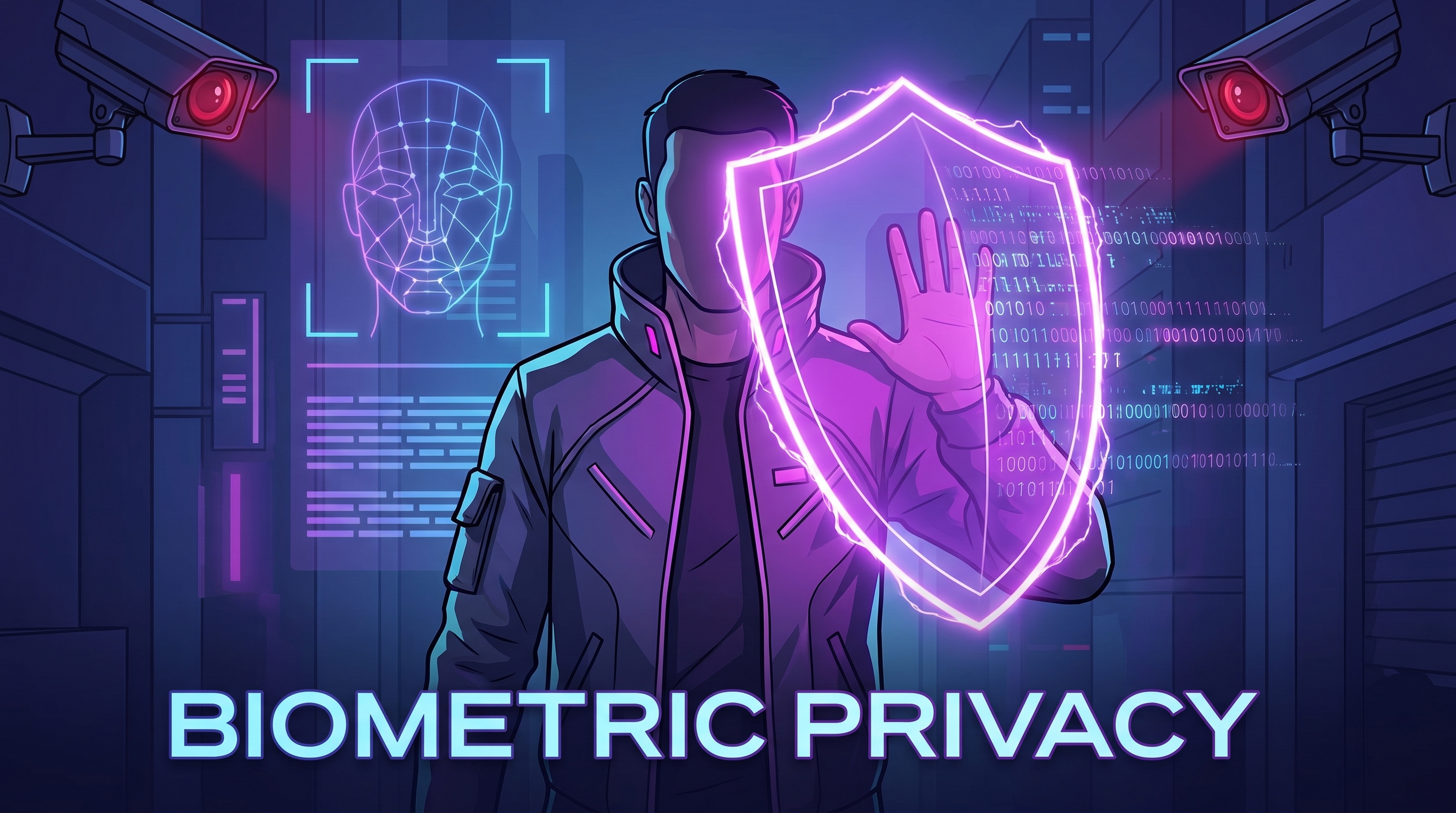
Your face is your most unique identifier. Unlike a password or phone number, you can't change it. In 2026, facial recognition technology has become ubiquitous—deployed in airports, retail stores, law enforcement systems, and social media platforms. This comprehensive guide explains how biometric data is harvested, the privacy threats you face, and how Free VPN combined with practical strategies can help protect your facial identity and digital privacy.
The Facial Recognition Threat in 2026
Facial recognition has evolved from experimental technology to everyday infrastructure. Governments worldwide now use it for border control, law enforcement, and surveillance. Private companies deploy it for marketing, security, and behavioral analysis. The technology can identify you from a distance, without consent, and often without your knowledge.
The threat is comprehensive. Your face can be captured by:
- Surveillance cameras: An estimated 1 billion cameras operate globally, with many connected to facial recognition databases
- Smartphones and tablets: Facial unlocking features collect and sometimes share biometric data
- Social media photos: Platforms use AI to identify and catalog your appearance
- Security systems: Border control, airport security, and law enforcement databases
- Retail and corporate systems: Stores and offices increasingly use facial recognition for "customer insights" and employee monitoring
Did You Know?
According to 2026 privacy research, more than 80% of the world's population has facial data in at least one database, often without their consent or knowledge.
How Your Biometric Data is Harvested
Understanding where and how your facial data is collected is the first step to protecting it. Biometric harvesting happens across multiple channels:
1. Social Media Platforms
Meta, TikTok, Instagram, and other platforms use advanced AI to detect faces in photos and videos. Even deleted photos may remain in company databases. Live streaming automatically catalogues your appearance in real-time.
2. Camera-Equipped Devices
Your smartphone's Face ID system collects biometric data. While Apple encrypts Face ID data on-device, other manufacturers may store facial data in cloud servers. Laptops with facial recognition software face similar risks.
3. Public Surveillance
Security cameras in public spaces feed into facial recognition systems. In some countries, this data is retained indefinitely and shared between government agencies and private companies.
4. Retailers and Commercial Spaces
Increasingly, stores, shopping malls, and corporate offices use facial recognition to identify shoppers, track customer movements, and build marketing profiles.
5. Third-Party Data Brokers
Companies specializing in data collection aggregate facial images from social media, public records, and other sources, then sell this information to interested parties.
Warning
Many people don't realize that facial data collected by a retail store in one country can be sold to law enforcement in another, creating international surveillance networks.
The Role of VPN in Biometric Privacy
While a VPN can't prevent facial recognition itself—that's a physical threat—it plays an important supporting role in protecting your biometric privacy. Here's how:
VPN Masks Location Data
When your face is captured by a camera or security system, location data is valuable context for building your profile. Free VPN masks your IP address, preventing tracking systems from knowing where you are when biometric data is captured.
VPN Protects Behavioral Data
Your online behavior—what you search, where you browse, what you click—creates a behavioral profile that complements facial recognition. VPN encrypts this data and prevents ISPs and websites from tracking your behavior patterns.
VPN Prevents Cross-Linking
Facial recognition systems become more powerful when linked with other data: your browsing history, purchase data, location history. Free VPN prevents the tracking that would allow these systems to cross-reference and link your different identities.
VPN Secures Biometric Uploads
When you upload photos to social media or cloud services, Free VPN encrypts your connection, preventing man-in-the-middle attacks that could intercept or modify biometric data in transit.
8 Steps to Protect Your Biometric Data
Comprehensive biometric privacy requires a multi-layered approach. Follow these practical steps:
Step 1: Disable Facial Recognition on Your Devices
iPhone: Go to Settings → Face ID & Passcode → Disable Face ID, or Settings → Privacy → Camera and disable access for apps that don't need it.
Android: Go to Settings → Biometric → Face Recognition and toggle off, or manage camera permissions per app.
Windows: Go to Settings → Accounts → Sign-in Options → Disable Windows Hello Face Recognition.
Step 2: Use a Private VPN Consistently
Download and enable Free VPN before connecting to any public network. Enable Auto Connect to activate VPN automatically whenever you join a network, preventing your location and behavioral data from being exposed when captured by facial recognition systems.
Step 3: Control Social Media Settings
- On Instagram and Facebook: Settings → Privacy → Photo Review → Enable to see and approve photos before they're tagged
- Disable facial recognition tagging completely in platform settings
- Don't use live streaming features if you want to minimize real-time facial cataloguing
- Avoid uploading clear, direct photos of your face
Step 4: Reduce Photo Metadata
When sharing photos online, strip metadata (EXIF data) that contains location, time, and device information. Use tools like ImageOptim (Mac) or ExifTool (Windows/Linux) before uploading photos.
Step 5: Know Your Rights Under Biometric Law
BIPA (Illinois, USA): Gives individuals the right to know if their biometric data is being collected and stored.
GDPR (European Union): Classifies biometric data as sensitive personal data; companies must get explicit consent before processing it.
PIPEDA (Canada): Requires consent before collecting and using facial biometric data.
Research your jurisdiction's biometric laws and file complaints if companies violate your rights.
Step 6: Opt Out of Facial Recognition Programs
Many companies allow you to opt out of facial recognition. Check:
- Retailers' privacy policies for facial recognition programs
- Airport and security services for their biometric programs
- Local government websites for facial recognition surveillance programs
Step 7: Monitor Your Digital Footprint
Regularly search for your image online using reverse image search tools (Google Images, TinEye). If your face appears in unexpected places, you may be able to request removal.
Step 8: Use a VPN When Accessing Cloud Services
Whether uploading photos to Google Photos, OneDrive, or iCloud, always use Free VPN to encrypt your connection. This prevents ISPs from seeing what photos you're uploading or when.
Pro Tip
Consider using anti-surveillance techniques like partial face masking (hats, glasses, scarves) when in areas with visible security cameras. While facial recognition systems continue to improve, making yourself a harder target can help.
Emerging Biometric Threats to Know
Biometric technology evolves rapidly. Watch out for these emerging threats:
Emotional Recognition
AI systems now attempt to detect emotions from facial expressions. Companies use this for marketing and employee monitoring. This intrusive technology compounds privacy concerns.
Age and Gender Estimation
Facial recognition systems estimate age and gender with reasonable accuracy, enabling demographic profiling and discriminatory targeting.
Gait Recognition
Advanced surveillance systems can identify people by the way they walk. This is harder to prevent than facial recognition but equally invasive.
Cross-Border Data Sharing
Facial data collected in one country may be shared with law enforcement or governments in other countries, creating international surveillance networks.
Deepfakes and Spoofing
As facial recognition improves, bad actors develop techniques to fool or spoof facial recognition systems. This creates new security risks.
Key Takeaways
- Facial recognition technology is increasingly deployed by governments, corporations, and security systems worldwide
- Your biometric data can be harvested from social media, surveillance cameras, airport security, and everyday devices
- VPN protects against IP-based tracking and location exposure that reveals where you are when biometric data is captured
- Use privacy-conscious social media practices: disable facial recognition in device settings, avoid live streaming, and limit photo metadata
- Enable face lock protection on all devices and disable facial recognition features you don't actively use
- Stay informed about biometric laws: BIPA, GDPR, and similar regulations are expanding biometric rights globally
- Free VPN masks your online identity and prevents behavioral tracking that complements facial recognition systems
Take Control of Your Biometric Identity
Your face is irreplaceable. Protecting your biometric data requires awareness, vigilance, and the right tools. While no single solution offers complete protection—facial recognition technology is too ubiquitous—a comprehensive approach combining VPN, privacy settings, behavioral awareness, and legal knowledge significantly reduces your exposure.
Start today by disabling facial recognition on your devices, enabling Free VPN, and auditing your social media privacy settings. As biometric surveillance becomes more sophisticated, protecting your facial identity becomes more important. Free VPN is your first line of defense against tracking systems that want to build a complete profile of your life.
Your privacy matters. Your face is yours alone.


