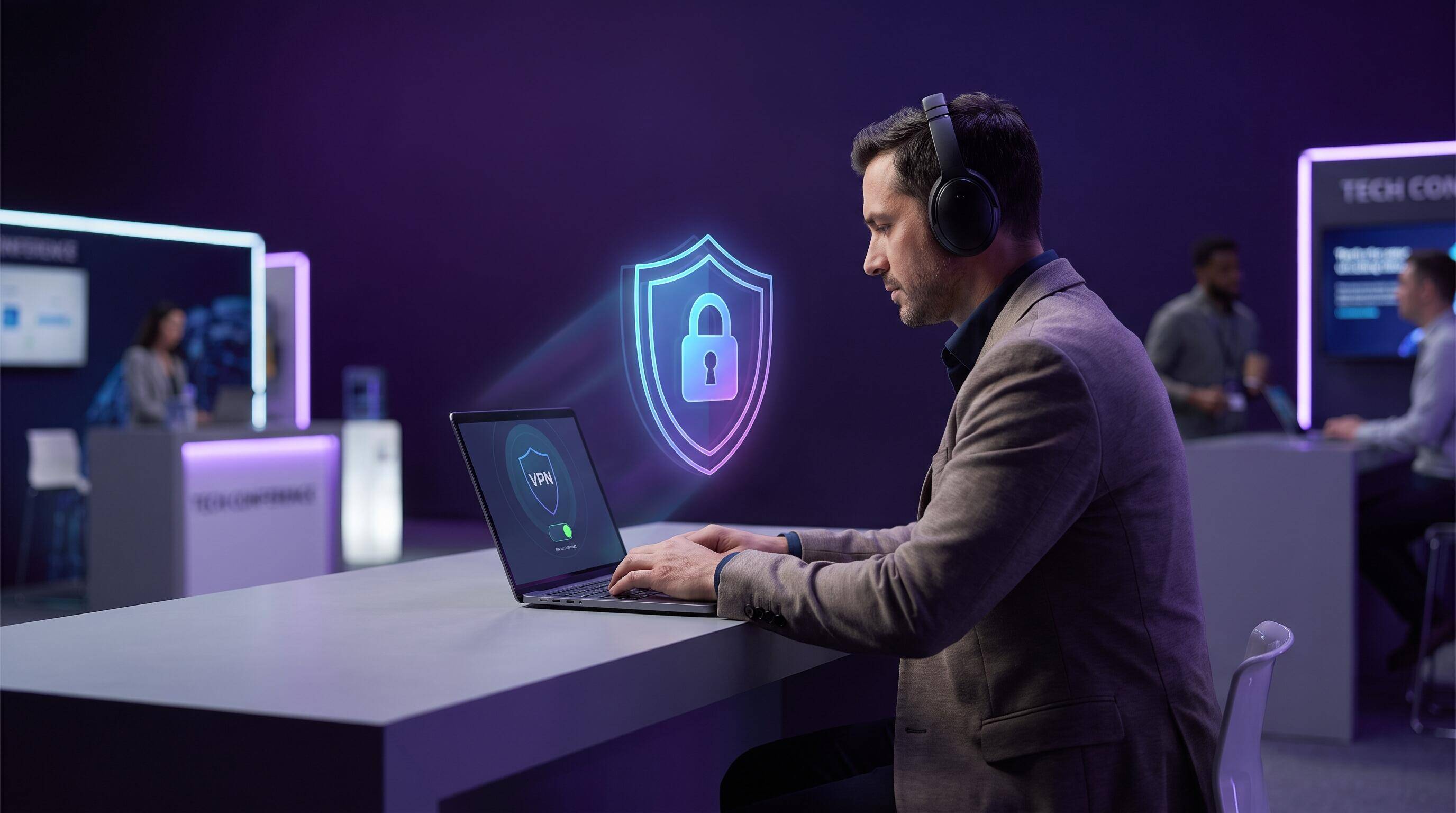
Conferences, conventions, and expos are prime hunting grounds for cybercriminals. Thousands of professionals connect to the same WiFi network, sharing credentials, business data, and financial information. Hackers know this. In 2026, conference security breaches cost companies millions in stolen intellectual property, compromised employee credentials, and damaged client relationships. If you're attending any event this year, using a VPN is no longer optional—it's essential.
Why Conference WiFi Is Riskier Than Public WiFi
You might think conference WiFi is safer than airport or coffee shop networks because it's a closed, authorized network. That's a dangerous misconception. Conference networks actually present greater risks for several reasons:
- High-value target: Hackers know conferences attract decision-makers, executives, and professionals with access to sensitive data. One compromised account can expose an entire company.
- Shared network congestion: Thousands of devices on one network create opportunities for attackers to intercept traffic between devices.
- Weak event WiFi security: Conference organizers prioritize ease of access over security. Many events use minimal encryption and no password authentication.
- Professional networking risks: You're there to meet people and exchange contact information. Attackers lurk specifically to harvest credentials during these interactions.
- Business-critical activity: Unlike casual coffee shop browsing, conference attendees access email, banking, VPNs, and critical business systems.
Critical Risk
In 2025, a major tech conference was breached. Attackers captured login credentials for 8,000+ attendees and accessed sensitive data from their corporate networks for weeks afterward.
Specific Security Threats at Conferences
Man-in-the-Middle (MITM) Attacks
Attackers position themselves between your device and the conference WiFi router, intercepting all traffic. They can see your emails, passwords, banking credentials, and any data you transmit. Without encryption, everything is readable to them in real-time.
Fake "Evil Twin" Networks
Criminals create WiFi networks with names similar to the real conference network (like "TechConf2026" vs "TechConf-2026"). Attendees unknowingly connect to the fake network, giving hackers complete access to all device traffic.
Credential Harvesting
Attackers intercept your login attempts to email, LinkedIn, banking apps, and internal corporate systems. They can then use these credentials for:
- Corporate espionage and theft of trade secrets
- Identity theft and financial fraud
- Accessing client data and private information
- Lateral movement into company networks
Session Hijacking
When you log into a service (Slack, Gmail, GitHub, Jira), your session token can be stolen by attackers on the network. They then use your active session to access your account without needing your password.
SSL Stripping
Advanced attackers intercept HTTPS connections and downgrade them to unencrypted HTTP. Your browser may display a "secure" padlock, but the connection is actually compromised.
Did You Know?
Research shows that 73% of conference attendees access sensitive company systems while on event networks, making them prime targets for attackers hunting for corporate access.
How VPN Protects You at Conferences
A VPN (Virtual Private Network) encrypts all your device traffic, making it unreadable to network attackers. Here's specifically what Free VPN does to protect you at conferences:
End-to-End Encryption
All data from your device is encrypted before leaving your laptop or phone. Even if attackers intercept the traffic, they see only encrypted gibberish, not readable data. This protects your emails, passwords, credentials, banking data, and sensitive communications.
Anonymous IP Address
Your real IP address is hidden. Attackers can't identify you personally or track your device across conference networks. This prevents targeted attacks and protects your location.
Protection Against Evil Twin Networks
Even if you accidentally connect to a fake conference network, your VPN encrypts all traffic. The criminals running the fake network can't see what you're doing or steal your data.
Session Hijacking Prevention
Because all traffic is encrypted through the VPN tunnel, attackers can't steal your session tokens or intercept your active login sessions.
Instant Protection
Free VPN connects instantly with one tap. You can enable protection before even opening your email or connecting to services. With Free VPN Auto Connect, protection is automatic whenever you join any WiFi network.
Setup & Best Practices
Before You Attend
- Download Free VPN: Install Free VPN before your conference. Don't wait until you arrive.
- Enable Auto Connect: Turn on Free VPN's auto-connect feature to protect yourself the moment you join any WiFi network.
- Test your connection: Make sure Free VPN works smoothly on your device before the event.
- Update your software: Ensure all apps and operating systems are updated with latest security patches.
At the Conference
- Connect to VPN immediately: Before opening your email, messaging apps, or any other applications, connect to Free VPN.
- Verify network name: Ask conference staff for the exact WiFi network name. Double-check you're connecting to the official network, not a fake one.
- Keep VPN running: Don't disconnect during the conference. Leave Free VPN active on your device all day.
- Trust only HTTPS sites: When VPN is active, you can safely use HTTP sites, but only access HTTPS-enabled services when possible.
- Be cautious with public charging: Use your own charger if possible. Some public charging stations install malware-laden devices.
Advanced Protection Layer
For maximum security, combine VPN with these additional practices:
- Use strong, unique passwords: Create a separate password for conference WiFi access if required.
- Enable 2-factor authentication: Require a second verification step for critical accounts (email, banking, corporate systems).
- Disable file sharing: Turn off file sharing and AirDrop/Bluetooth file transfer at conferences.
- Use VPN on phone too: Mobile devices are just as vulnerable. Run Free VPN on your phone the entire conference.
- Disconnect Bluetooth: Turn off Bluetooth when not using it to prevent unauthorized connections.
Pro Tip
Use Free VPN's auto-connect feature for complete peace of mind. Set it and forget it. Your device is protected automatically every time you join any WiFi network, without you having to remember to connect manually.
Beyond VPN: Additional Security Tips
Network Hygiene
VPN is essential, but it's one part of a complete security strategy. Also practice:
- Don't use the conference network for sensitive work if possible—save critical tasks for your hotel or home network
- Avoid accessing personal banking information at the event when VPN isn't needed
- Don't accept files or links from unknown people on the conference network
- Close apps that sync sensitive data when not actively using them
Verify Network Authenticity
Before connecting:
- Ask the conference staff or check the official event app for the exact network name
- Look for the network on your device—don't manually type in a network name
- Confirm there's only one matching network name (avoid confusion with similar names)
- Never connect to a network that asks for unusual information
Device Preparation
A few hours before the conference:
- Log out of all existing WiFi networks so your device doesn't auto-connect to random networks
- Disable auto-connect features for all networks except your home/office
- Install any pending security updates
- Run a malware scan on your device
- Restart your device (this clears temporary vulnerabilities)
Key Takeaways
- Conference WiFi networks are targets for sophisticated attackers looking to steal business data and credentials
- Attackers can create fake conference networks and intercept data from legitimate event networks
- Business professionals are prime targets for corporate espionage and credential theft at events
- VPN encryption prevents network snooping and protects all your device traffic automatically
- Always connect to VPN before joining conference networks—even wired connections can be compromised
- Combine VPN with strong passwords, 2FA, and careful network selection for maximum protection
Stay Safe at Your Next Conference
Conferences are invaluable for networking, learning, and business development. But they're also hunting grounds for criminals who know professionals carry sensitive data and access critical systems. Conference WiFi isn't inherently evil—it's a necessary convenience. The risk isn't the network itself, it's the lack of protection when connecting.
Free VPN changes that equation. One tap, and you're protected. Your emails are encrypted. Your passwords are safe. Your session tokens can't be stolen. Your real IP address is hidden. All your traffic is secured, whether you're checking email, accessing banking, or logging into corporate systems.
Don't attend another conference without it. Download Free VPN today and attend your next event with confidence. No registration required. No logs kept. Just instant, powerful protection for your data.


