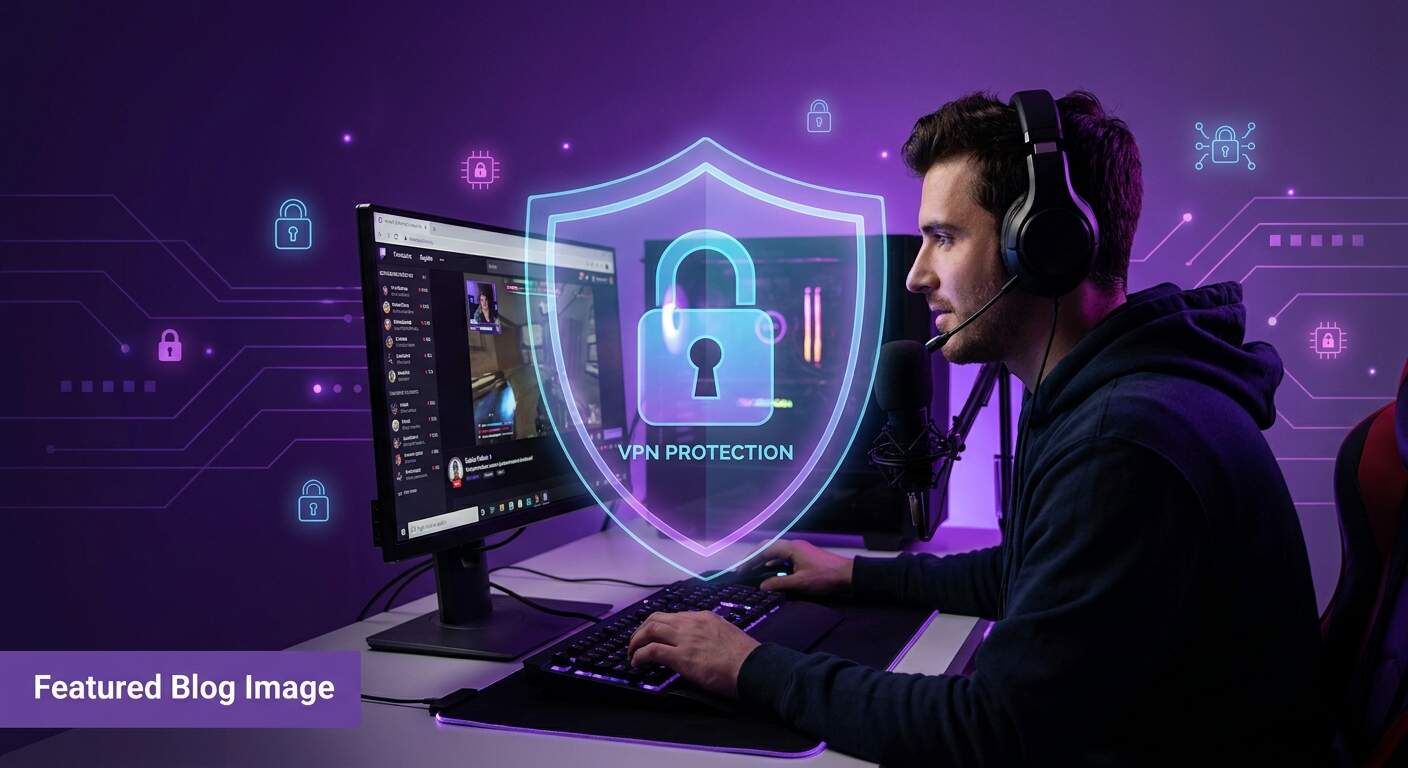
Whether you're streaming on Twitch, creating YouTube content, or building an audience on other platforms, your digital security matters more than ever. Content creators face unique privacy threats—from location doxxing to account takeover attempts. A VPN is your essential shield, protecting your real location, your account security, and your audience's trust. In 2026, every serious creator needs VPN protection built into their streaming setup.
Why Content Creators Need VPN
Content creators operate in a spotlight. Your audience knows your face, your personality, your voice. But should they know your physical location? A VPN helps creators maintain privacy while building their brand and audience.
Beyond privacy, VPN protects your streaming accounts from hackers. Creators are attractive targets—account takeovers can result in stolen channels, lost revenue, and damaged audience trust. A VPN, combined with strong passwords and 2FA, creates a security foundation that's difficult for attackers to breach.
For creators working across different countries or testing content in various regions, VPN provides essential tools. You can safely test geographic content availability, connect to remote equipment, and maintain consistent protection regardless of network location.
Privacy Threats Facing Creators
Content creators face a specific set of security and privacy challenges that casual internet users might not encounter:
- Doxxing through IP exposure: Without VPN, your real IP address is visible in stream metadata, chat analysis, and network forensics. Attackers can use IP geolocation to identify your approximate location, enabling harassment, property damage, or physical threats.
- Account takeover attacks: Streamers are high-value targets. A compromised account means lost followers, stolen earnings, compromised audience data, and permanent reputation damage. VPN prevents attackers from connecting to your account from your real location.
- Swatting and harassment: High-profile creators have been targeted by swatting (false emergency reports to your location). VPN helps protect by masking your real location and IP address.
- Audience data exposure: Your viewers trust you with their data. If your connection is compromised, their usernames, emails, and viewing habits become exposed. VPN protects this data in transit.
- Competitor surveillance: Some creators monitor competitors through stream metadata and connection patterns. VPN prevents this data leakage.
Streaming Without VPN is Risky
Your IP address is visible to platform servers, streaming tools, chat applications, and savvy viewers. One compromised connection can expose your location. Protect yourself before the threat emerges—use VPN by default, every time you stream.
Protecting Your Streaming Account
Your streaming account is your business. Whether you're monetized or building toward that goal, account security is non-negotiable. A VPN is the first layer of defense.
VPN + Multi-Factor Authentication = Security
Never rely on VPN alone. Combine it with these account protection strategies:
- Enable 2FA on all streaming accounts: Twitch, YouTube, Discord, and any platform where you manage your audience. Use authenticator apps (Google Authenticator, Authy) rather than SMS when possible.
- Use unique, strong passwords: A password manager like Bitwarden or 1Password keeps complex passwords secure without memorization burden.
- Stream with VPN auto-connect: Enable Free VPN's Auto Connect feature to automatically protect your connection when you start streaming, even if you forget to manually connect.
- Monitor account login activity: Both Twitch and YouTube show recent login locations and devices. Review these regularly and disconnect unknown sessions immediately.
- Use separate email addresses: Consider using one email for your streaming account and a different email for password recovery. This prevents attackers from using your main email to reset your password.
Did You Know?
Many creator account takeovers happen through weak passwords combined with location-based attacks. When an attacker can see your real location (through IP), they can craft convincing social engineering attacks or target your specific local threats.
Securing Your Audience Data
Your viewers trust you with their data. Protecting that trust is a creator responsibility. VPN helps secure audience data in several ways:
Audience Data Threats
When you interact with viewers through chat, collect emails for newsletters, or process donations, that data travels across networks. Without VPN protection, a compromised network connection could expose:
- Viewer usernames and personal information
- Email addresses and contact information
- Donation and financial transaction details
- Direct messages and private conversations
- Viewer locations and activity patterns
Protecting Audience Data with VPN
Free VPN encrypts all data traveling between you and streaming platforms. This means viewer information remains encrypted and protected even if a network is compromised. Your donation processor, chat system, and email communication all benefit from VPN encryption.
Pro Tip
Stream from public WiFi? Always use VPN. Public networks are common targets for data interception. Free VPN ensures that every message, donation, and interaction remains encrypted and private, protecting both you and your audience.
VPN for Streaming Setup
Using VPN with streaming software like OBS is straightforward. Here's how to set it up correctly:
OBS + VPN Configuration
For creators using OBS (Open Broadcaster Software) or similar streaming software, VPN setup is simple:
- Enable Free VPN and connect to a server: Start Free VPN and connect to your preferred region. Your connection is now encrypted.
- Launch OBS or your streaming software: OBS automatically uses your system's VPN connection. No special configuration is needed.
- Connect to your streaming platform: Log in to Twitch, YouTube, or other platforms as normal. Your connection travels through the VPN tunnel.
- Start streaming: Your stream metadata and connection are now protected by VPN encryption.
Mobile Streaming (Twitch Mobile, YouTube Mobile)
If you stream from your phone using Twitch's or YouTube's mobile apps:
- Enable Free VPN on your phone
- Connect to a VPN server
- Open your streaming app
- Stream as normal—everything is protected
Platform Integration
Most streaming platforms don't require special VPN configuration. However, some features to note:
- Stream key security: Your Twitch/YouTube stream key is visible in OBS. VPN encrypts this key in transit, preventing interception.
- Stable connection: Use a VPN server geographically close to your location for best performance. Free VPN offers global server coverage.
- Bandwidth: Free VPN includes unlimited bandwidth, so streaming with VPN has no data restrictions.
Geographic Testing for Content
Creators often need to test content availability in different regions. VPN enables this safely and securely.
Why Test Geographic Availability?
Content is often region-locked based on licensing and copyright restrictions. By connecting through different geographic locations (using VPN), you can:
- Test which streaming platforms are available in different countries
- Understand geographic audience reach and content limitations
- Plan international expansion and audience growth
- Verify that sponsored content displays correctly in target regions
Geographic Testing with Free VPN
Free VPN offers servers in multiple countries worldwide. To test content in different regions:
- Connect to a VPN server in your target country
- Test content availability on streaming platforms
- Review geographic restrictions and licensing information
- Document findings for content planning
This research helps you understand your global audience and optimize content for different regions.
Creator Security Best Practices
VPN is one part of comprehensive creator security. Here's the complete checklist:
- Always use VPN: Enable Free VPN's Auto Connect feature to ensure you're protected during every streaming session, even if you forget to manually connect.
- Enable 2FA everywhere: Streaming platform, email, payment processors, and any account related to your content business needs two-factor authentication.
- Monitor account activity: Regularly review login history and connected devices on all accounts. Disconnect unknown sessions immediately.
- Use strong, unique passwords: A password manager prevents password reuse across accounts—a common attack vector.
- Keep software updated: OBS, streaming apps, and operating systems should be fully patched. Updates include critical security fixes.
- Verify links and requests: Scammers often impersonate platforms or sponsors. Verify requests directly through official apps and websites, never through links in messages.
- Secure your email: Email is the master key to all other accounts. Protect it with 2FA and a strong password.
- Document security practices: Write down your security routine (VPN, 2FA, password manager, etc.) and stick to it. Consistency prevents lapses.
Key Takeaways
- Content creators face unique security threats including doxxing, account takeover, and harassment through location exposure
- A VPN masks your real IP address and location, preventing attackers from identifying where you stream from
- Use VPN with multi-factor authentication to secure your Twitch, YouTube, and other streaming accounts
- VPN helps you test content availability in different geographic regions for global audience planning
- Protect your audience by ensuring secure connections when handling viewer data and donations
- Free VPN provides zero-log protection, meaning no record of your streaming activity is stored
- Enable auto-connect VPN to ensure you're protected during all streaming sessions automatically
- Combine VPN with strong passwords, 2FA, and security best practices for maximum creator protection
Conclusion
Your streaming career is built on audience trust and account security. A VPN is the essential first line of defense against the unique threats facing content creators. By protecting your real location, securing your streaming account, and safeguarding audience data, you create an environment where you can focus on what matters—creating great content.
Free VPN gives creators the protection they need without cost or complexity. With zero-log encryption, auto-connect protection, and servers worldwide, you can stream safely from anywhere. Combine VPN with strong passwords, 2FA, and regular security audits, and you've built a security foundation that protects both you and your audience.
Download Free VPN today and start streaming with the security every creator deserves.


