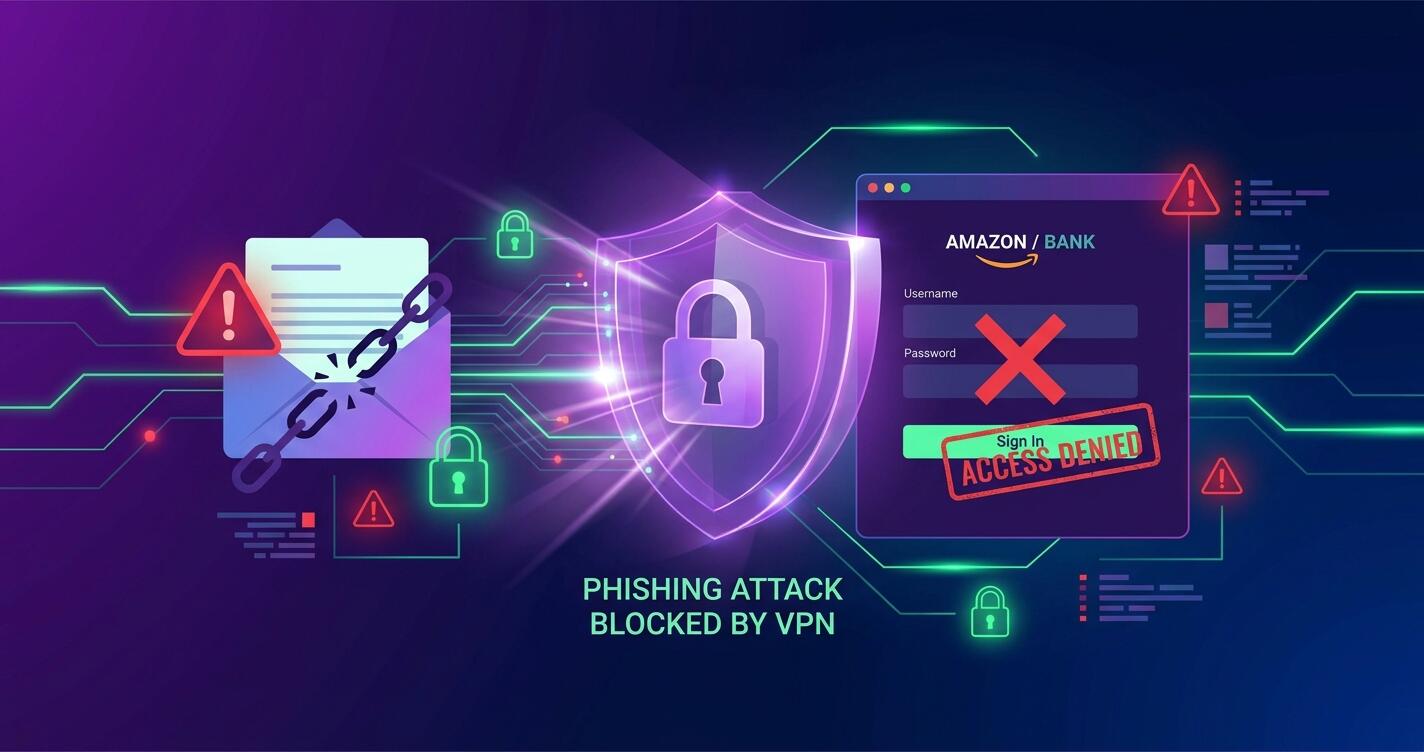
Phishing attacks have become one of the most effective weapons in a cybercriminal's arsenal. Every single day, attackers send over 3.4 billion phishing emails, and they're getting smarter at impersonating trusted companies, banks, and services. Unlike viruses that announce themselves, phishing attacks exploit your trust. They arrive in your inbox looking legitimate, asking you to verify your account or update your payment information—and when you click that link and enter your credentials, you've just handed the keys to your digital life to a criminal. This guide shows you exactly how phishing works, why it's so dangerous, and how a VPN like Free VPN adds a critical layer of protection.
What is Phishing and How Does It Work?
Phishing is a social engineering attack designed to trick you into revealing sensitive information. The attacker impersonates a trusted entity—your bank, email provider, social media platform, or employer—and creates a sense of urgency or fear that compels you to act immediately.
Here's how a typical phishing attack unfolds:
- Reconnaissance: Attackers research you on social media, LinkedIn, and data breach databases to make their message personalized and convincing.
- Crafting the message: They create an email that looks nearly identical to a legitimate company's communications, complete with logos, formatting, and official language.
- Fake login page: They host a replica of the real website (your bank's login, Gmail, Amazon, etc.) on a domain that looks similar but isn't quite right.
- Credential harvest: You click the link, see what appears to be the real site, and enter your username and password thinking you're resetting your account or confirming your identity.
- Account takeover: Seconds after you hit submit, attackers log in with your stolen credentials and gain full access to your account.
The scariest part? Modern phishing is highly targeted. Advanced attackers research their targets, study their habits, and craft messages so convincing that even tech-savvy people fall for them.
Did You Know?
According to recent cybersecurity reports, 90% of data breaches begin with a phishing attack. It's not a sophisticated hack—it's a simple trick that works because people are trusting and busy.
Types of Phishing Attacks
Phishing comes in many forms, each with a slightly different approach:
- Email phishing: The most common type—fraudulent emails asking you to "verify your account" or "confirm your payment information." Attackers often claim unusual activity and create urgency.
- Spear phishing: Highly targeted attacks aimed at specific individuals or small groups. Attackers use personal information (your boss's name, your workplace, your interests) to make the message feel genuine.
- Whaling: A specialized form of spear phishing targeting executives and high-value employees who have access to sensitive data or company finances.
- Smishing & vishing: Phishing via SMS text messages or voice calls. Attackers pose as banks or services asking you to "confirm" information by replying with your account details.
- Fake login pages: Websites that perfectly mimic real services (Gmail, Facebook, banking portals) but harvest your credentials when you log in.
- Clone phishing: Attackers take a legitimate email you received before and create an almost identical copy—but replace links with malicious ones. Because the email is so similar to one you've seen, you're more likely to trust it.
- CEO fraud: Attackers impersonate company executives demanding urgent wire transfers or sensitive employee data from accounting or HR departments.
The Real Risks of Credential Theft
When your credentials are stolen through phishing, the consequences extend far beyond a single compromised account. Here's what attackers can do with your stolen passwords:
- Email account takeover: Your email is the key to your digital kingdom. With email access, attackers can reset passwords on every other account you own (banking, social media, cloud storage, crypto wallets). They can impersonate you, send messages from your account, and access password reset links.
- Banking and financial fraud: Stolen banking credentials enable direct account access, unauthorized transfers, fraudulent charges, and credit card fraud. Attackers can drain accounts in minutes.
- Identity theft: With your personal information and account access, criminals can open new accounts in your name, apply for credit cards or loans, or sell your information on the dark web.
- Cryptocurrency and crypto wallet theft: If you use any crypto exchanges or have a digital wallet, compromised credentials give attackers access to your digital assets, which can be transferred to their wallets instantly and irreversibly.
- Business data breach: If you use the same password at work and on personal accounts, compromised work credentials can give attackers access to company networks, client data, intellectual property, and trade secrets.
- Social media impersonation: Attackers can post damaging content from your account, contact your friends and family, scam them out of money, and destroy your online reputation.
Critical Warning
If you use the same password across multiple accounts—stop immediately. Password reuse means that one phishing attack can compromise your entire digital life. Use a password manager like Bitwarden, 1Password, or LastPass to generate unique, strong passwords for every account.
How VPN Protects You from Phishing
While VPN can't prevent you from clicking a malicious link or falling for a convincing fake email, it provides multiple layers of protection against phishing attacks:
- Encrypted connection to phishing sites: If you accidentally visit a fake login page, your VPN encrypts your traffic so your ISP and network administrators can't see which site you're visiting or what you're entering. This prevents man-in-the-middle attacks where attackers intercept your unencrypted data.
- DNS protection: Free VPN includes DNS filtering that blocks known phishing and malware domains before your connection even reaches them. If the phishing domain is already identified and blacklisted, your connection is blocked and you're warned about the threat.
- Location masking: A VPN hides your real IP address and location. Phishing attacks often target people in specific regions or exploit location-based information. By masking your location, you become a less attractive target for geographically targeted phishing campaigns.
- Protection on public WiFi: Phishing attacks often succeed on public WiFi networks where attackers can see which sites you're visiting. A VPN encrypts all your traffic on public WiFi, preventing attackers from intercepting your login credentials or manipulating the websites you visit.
- Preventing credential sniffing: Without VPN on a shared network, attackers can capture unencrypted passwords. VPN encryption ensures that even if attackers can see your network traffic, they can't read the actual credentials you enter.
5 Defense Strategies to Stop Phishing
A VPN is one layer of defense, but comprehensive protection requires multiple strategies working together:
1. Enable Two-Factor Authentication (2FA) Everywhere
2FA is one of the most effective defenses against credential theft. Even if attackers steal your password through phishing, they can't access your account without the second verification factor. Enable 2FA on email, banking, social media, cryptocurrency exchanges, and any service containing sensitive data. Use authenticator apps (Google Authenticator, Microsoft Authenticator) or hardware keys (YubiKey, Titan) rather than SMS when possible—SMS can be intercepted or hijacked.
2. Verify Email Sender Addresses Carefully
Attackers often spoof email addresses that look nearly identical to legitimate ones. Check the full email address carefully: support@amaz0n.com (with zero) instead of support@amazon.com, or verify@bank-accounts.com instead of your real bank's domain. When in doubt, don't click links in emails—instead, open a fresh browser tab and navigate to the official website directly.
3. Hover Over Links Before Clicking
In most email clients, you can hover your mouse over a link to see its actual destination before clicking. Phishing emails often have text that says "Click here to verify your account" but the actual link destination is something completely different. Hover over it first to see where it really goes.
4. Look for HTTPS and Security Indicators
Legitimate banking and shopping sites use HTTPS encryption (you'll see a padlock icon in your browser). While HTTPS isn't a guarantee of legitimacy—attackers can obtain SSL certificates—its absence is a red flag. Fake login pages often use plain HTTP. Additionally, look for the company's verified branding in the browser (official logos, no spelling errors, professional design).
5. Never Enter Credentials on Sites Reached from Email Links
Make this your golden rule: If you receive an email asking you to verify your account, update payment information, or confirm your identity, never click the link in the email. Instead, open your browser directly and navigate to the website manually (or search for it in Google). Log in normally and check for notifications or alerts. If the email was legitimate, you'll see the notification in your account anyway.
Pro Tip
Save a bookmark to your bank's website, email provider, and other critical accounts. Use the bookmark to log in instead of clicking email links. This simple habit prevents 90% of phishing attacks from succeeding.
Key Takeaways
- Phishing attacks account for over 3.4 billion fake emails sent daily, and they're targeting individuals and businesses with increasing sophistication
- Fake login pages and credential harvesting are designed to steal usernames, passwords, and sensitive information that give attackers complete account access
- VPN prevents attackers from seeing which sites you're visiting and blocks known phishing domains through DNS filtering
- Two-factor authentication is one of the most effective defenses—enable it on every account that contains sensitive data
- Always verify email sender addresses, hover over links before clicking, and navigate to sites directly instead of clicking email links
- A VPN alone can't prevent phishing—combine it with email filtering, browser security, 2FA, and security awareness for comprehensive protection
Conclusion: Phishing Defense is Layers, Not Solutions
Phishing attacks succeed because they exploit human nature—our trust, our busy schedules, and our tendency to click without thinking. No single tool will make you 100% immune, but multiple layers of defense make you an increasingly difficult target.
Free VPN provides network-level protection by encrypting your connections and blocking known malicious domains. But the real defense against phishing is you: your awareness, your caution, and your habits. Check email addresses. Hover over links. Enable 2FA. Use a password manager. Navigate to sites directly.
Together, these strategies create a defense system where even if one layer fails—even if you accidentally click a malicious link—the other layers catch you. That's how you stay safe in 2026.


