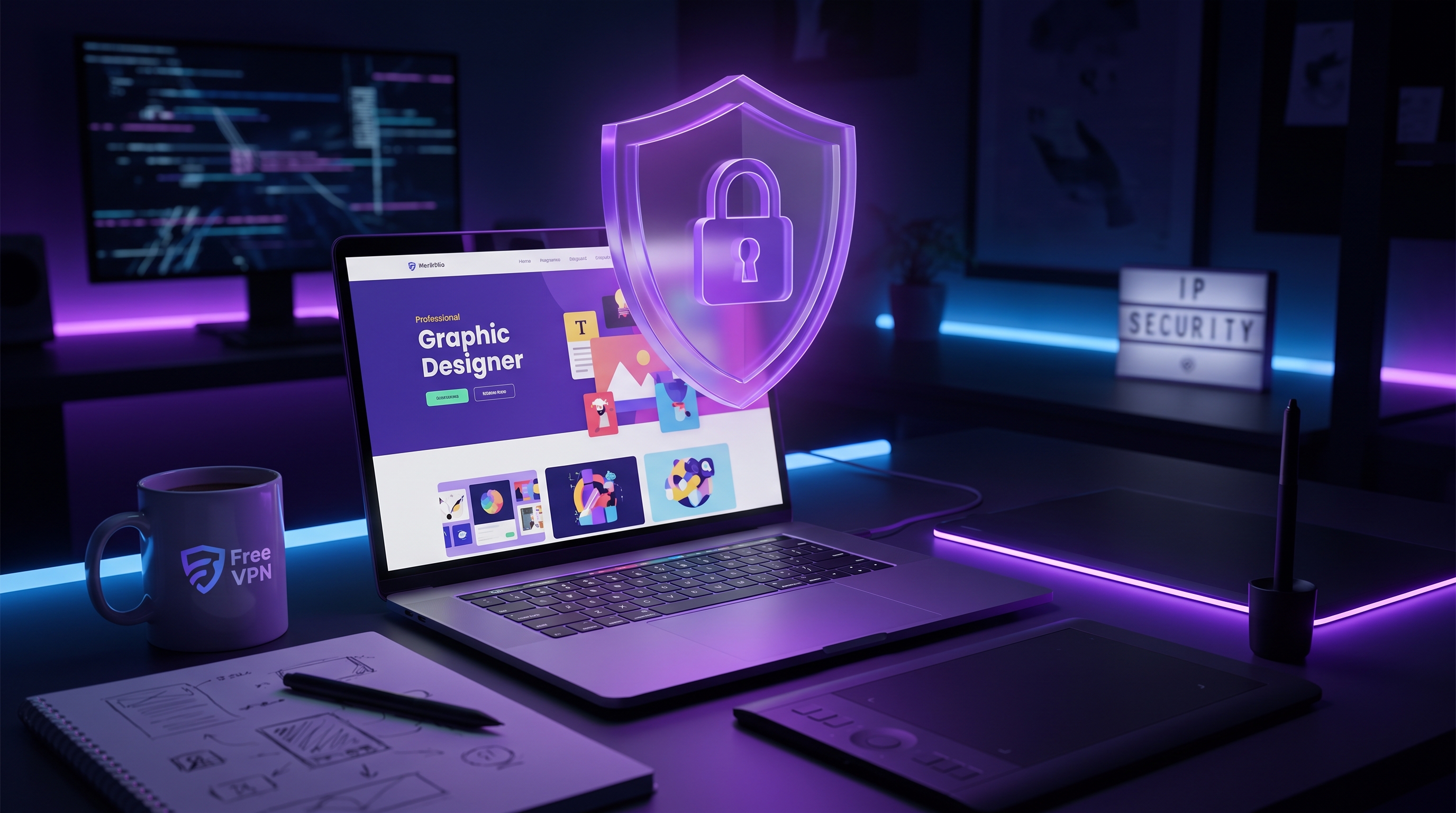
Your portfolio is your livelihood. As a graphic designer or digital artist, your creative work represents years of skill development, countless hours of refinement, and the foundation of your professional reputation. Yet in an increasingly connected world, your most valuable assets are vulnerable to theft, unauthorized access, and AI scraping. Free VPN provides essential protection for your creative work, ensuring your portfolios, client files, and works-in-progress remain confidential and secure.
Why Graphic Designers Need VPN Protection
Graphic designers and digital artists face unique security challenges that often go unrecognized. Unlike traditional office work, creative professionals frequently work remotely from coffee shops, coworking spaces, and home offices. This flexibility comes with a significant security cost.
When you're designing client work on public WiFi without a VPN, every keystroke, file transfer, and design mockup is potentially visible to attackers on the same network. Your design files traveling across unencrypted connections can be intercepted, copied, or stolen before they ever reach your client.
Beyond network security, your ISP and the applications you use can track your creative process, browsing history, and file transfers. This data can be sold to third parties or used to identify your work patterns, client relationships, and design methodologies.
Did You Know?
Freelance creative professionals are 3x more likely to experience data breaches than other freelancers, according to 2026 security research. This is because design files often contain valuable intellectual property and client confidential information.
Unique Security Threats to Creative Professionals
Graphic designers and digital artists face distinct security risks that differ from other professions:
Portfolio Scraping & Theft
Your online portfolio is a collection of your best work—and it's a target. Design thieves regularly scrape portfolios from platforms like Behance, Dribbble, and personal websites. Without VPN protection when accessing these sites, you leave yourself vulnerable to account compromise, where attackers could steal and republish your work as their own.
Client File Interception
When you send design files to clients or download project briefs, these transfers happen over your internet connection. Without VPN encryption, network sniffing attacks can intercept these files before they reach their destination. An attacker could steal client design mockups, pricing structures, or proprietary assets embedded in your work.
AI Training Data Harvesting
AI companies are aggressively scraping design work from across the internet to train image-generation models. Without VPN protection, every design you create is potentially being harvested for training data without your consent or compensation. This is one of the most pressing threats to modern designers.
Competitive Intelligence Theft
If you work with multiple clients, competitors may want to intercept your communications with clients, access your design systems, or steal your work-in-progress designs to understand your methodologies. A compromised connection exposes all of this.
ISP Throttling & Profiling
Your ISP can monitor and profile your browsing behavior, including which design tools you use, which clients you communicate with, and your work patterns. This data can be sold to advertisers or used to identify your high-value client relationships.
Protecting Client Confidentiality & Projects
Client confidentiality isn't just a professional courtesy—it's often a contractual obligation. NDAs typically require you to keep client projects, briefs, and communications private. Without VPN protection, you're putting client trust at risk.
Secure Remote Collaboration
Most client projects now involve video calls, file sharing, and real-time collaboration tools like Figma, Adobe Creative Cloud, or Miro. When you use these applications without a VPN on public WiFi, you're leaving client conversations and design decisions vulnerable to eavesdropping. Free VPN encrypts all your traffic, ensuring client discussions remain confidential.
Protected File Transfers
When you upload design files to cloud storage (Google Drive, Dropbox, OneDrive) or send them via email to clients, the transfer happens over your internet connection. Free VPN encrypts this transfer end-to-end, preventing network attackers from intercepting files during transit.
Critical: Always Use VPN for Client Work
A single unencrypted file transfer of a confidential client project can result in design theft, IP loss, or breach of contract. Free VPN ensures every client interaction is protected, whether you're working from home, a coffee shop, or traveling.
Secure Communication Channels
When you communicate with clients via Slack, email, or messaging apps without VPN protection, these conversations can be monitored by your ISP or network eavesdroppers. Free VPN encrypts all your communications, keeping client feedback, project details, and payment information private.
Defending Against AI Art Theft & Scraping
The rise of AI image generators has created an unprecedented threat to creative professionals. These models are trained on billions of images scraped from the internet—including your work. Without VPN protection, every piece of your portfolio is being harvested, analyzed, and used to train models that compete with you directly.
How AI Scraping Works
When you publish design work online, AI scrapers automatically download and index your images. These images are then used to train generative AI models. Without your knowledge or consent, your creative techniques, style, and aesthetic are being replicated by machines. Free VPN helps protect against this by masking your online activities and making it harder for scrapers to identify and track your work.
Portfolio Protection
While VPN can't completely prevent AI scraping of publicly available work, it does:
- Mask your IP address: AI scrapers can't easily track which designs belong to the same artist when you use different IP addresses
- Prevent ISP profiling: Your ISP can't monitor which design sites you visit or when you upload new work
- Secure file uploads: When you upload work to portfolio sites, VPN ensures this data transfer is encrypted
- Protect metadata: VPN prevents network sniffing of the metadata in your uploaded files
Pro Tip: Layer Your Defenses
Use VPN alongside other AI scraping protections: disable right-click on portfolio sites, watermark your work, use robots.txt to block AI scrapers, and consider keeping work-in-progress designs off public platforms until they're finalized.
VPN Best Practices for Designers
To maximize protection of your creative work, follow these essential VPN best practices:
1. Always Connect Before Opening Design Files
Whether you're working in Photoshop, Figma, or Illustrator, connect to Free VPN before opening any design files. This ensures all file access, cloud syncing, and creative tool communications are encrypted from the start.
2. Use Kill Switch for Added Security
Free VPN's kill switch feature automatically disconnects your internet if the VPN connection drops. This prevents your design files and client communications from being exposed if your VPN connection fails unexpectedly.
3. Enable Split Tunneling Carefully
While split tunneling can improve performance, it routes some traffic outside the VPN. For maximum security, keep all design tools and cloud storage inside the VPN tunnel. Only exclude non-sensitive applications.
4. Use Public WiFi Securely
Coffee shops and coworking spaces are convenient but inherently risky. Free VPN encrypts all your traffic on public networks, preventing other users and network administrators from seeing what you're working on. Always connect before joining any public network.
5. Protect Portable Drives
If you transfer design files via USB drives, external SSDs, or portable storage, use VPN when accessing cloud backups or syncing these drives to online services. Protecting the file transfer is just as important as the local file security.
6. Secure Video Calls with Clients
Client video calls frequently discuss confidential project details. Use Free VPN during all Zoom, Google Meet, Microsoft Teams, or other video conference calls with clients. This prevents network eavesdropping of sensitive discussions.
Multi-Device Protection
Graphic designers often work across multiple devices: desktop computer for heavy design work, tablet for sketching and proofing, and laptop for client meetings. Free VPN protects all your devices simultaneously, ensuring your entire creative workflow is secure regardless of which device you're using.
Key Takeaways
- Graphic designers face unique threats from portfolio theft, AI scraping, and client data breaches
- Free VPN encrypts all design file transfers and protects client confidentiality during remote work
- ISP tracking and network sniffing can expose in-progress work and valuable design concepts
- Always use VPN when accessing cloud storage, sharing files, or collaborating with clients remotely
- Enable kill switch and split tunneling to keep design apps secure while using public WiFi
- VPN helps prevent unauthorized downloading and copying of your portfolio from public networks
Protect Your Creative Future Today
Your creative work is valuable. It represents your skills, your time, and your unique perspective. In a world where AI scraping, design theft, and network attacks are increasingly common, protecting your portfolio and client work isn't optional—it's essential.
Free VPN provides the encryption and privacy protection every graphic designer and digital artist needs. Whether you're working from home, a coffee shop, or a coworking space, Free VPN ensures your portfolios, client files, and creative process remain secure. Download it today and work with confidence, knowing your creative assets are protected.


