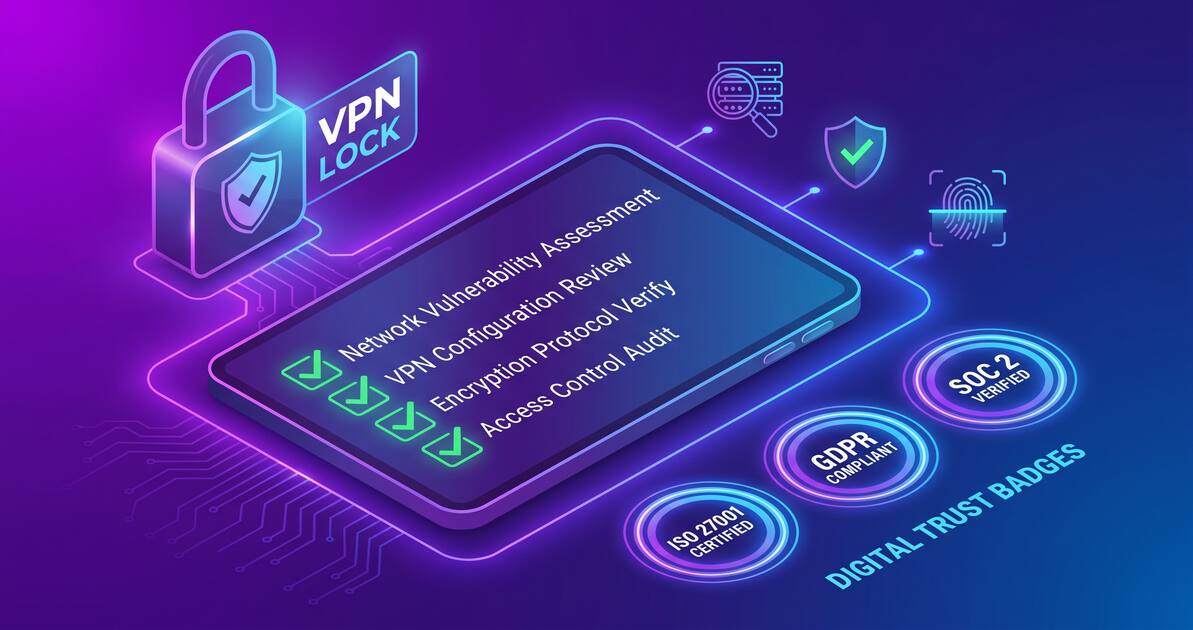
With countless VPN providers claiming to protect your privacy, how do you know which ones are actually trustworthy? This comprehensive guide walks you through a practical security audit—helping you evaluate any VPN provider and verify their claims before trusting them with your data.
Why You Should Audit Your VPN Provider
A VPN's entire purpose is to protect your privacy and security online. But ironically, VPN providers have unprecedented access to your internet activity. They sit in the middle of your connection, potentially seeing:
- Your real IP address
- The sites you visit and apps you use
- Your metadata and connection patterns
- Potentially your unencrypted data (if misconfigured)
This means choosing the wrong VPN provider could actually compromise your privacy instead of protecting it. A malicious or incompetent VPN could log your activity, sell your data, or leak your real IP address.
That's why auditing your VPN provider is critical. You need to verify their security practices, privacy policies, and whether their claims are backed by evidence rather than marketing hype.
10 Critical Red Flags in VPN Services
Before diving into verification methods, here are the biggest warning signs that a VPN provider can't be trusted:
1. Hidden or Unclear Ownership
Legitimate VPN companies are transparent about who owns them and where they're based. If a VPN provider won't clearly state their company name, ownership structure, or headquarters location, that's a major red flag. You should know exactly who has access to your data.
2. Vague or Misleading Privacy Policy
A trustworthy VPN will have a clear, detailed privacy policy that explicitly states what data they collect, how long they keep it, and who can access it. Vague language like "we respect your privacy" without specifics is meaningless. Watch for policies that:
- Use unclear language or corporate jargon
- Don't specify data retention periods
- Claim to collect no data but don't explain how the service runs
- Have exceptions you need to dig through
3. No Logging Claims Without Evidence
Many VPNs claim to be "no-log" services, but claims without evidence are just marketing. Look for VPN providers that have:
- Been audited by independent security firms
- Published detailed logging statements
- Complied with legal requests (transparency reports)
- Open-source code you can verify
4. Unrealistic Features or Promises
A VPN cannot:
- Make you 100% anonymous (only pseudonymous)
- Protect you from malware without additional tools
- Allow illegal activities with impunity
- Guarantee unthrottled speeds (laws of physics)
If a VPN claims these things, they're not being honest about what VPNs actually do.
5. Inconsistent or Sketchy Business Model
A free VPN with no ads, no paid tier, and no corporate owner? That's suspicious. Free VPN services need revenue somehow. Watch for:
- Unexplained funding sources
- Overly aggressive data collection
- Bundling with adware or malware
- Selling traffic or metadata
6. No Published Security Audits
Professional VPN services regularly hire independent security firms to audit their code and infrastructure. If a VPN provider has never published a security audit, especially if they're established and profitable, that's concerning.
7. Server Location Inconsistencies
If a VPN claims servers in certain countries but investigators find them located elsewhere, that's a problem. The physical location of servers matters for legal jurisdiction and data access laws. Verify claimed server locations independently.
8. History of Data Breaches or Leaks
Even good companies have security incidents. What matters is how they respond. Watch for providers that:
- Hide breach information or deny it publicly
- Have repeated security incidents
- Don't offer compensation or support to affected users
- Make no improvements after breaches
9. Aggressive Marketing with Few Technical Details
Trustworthy VPNs explain technical details: encryption standards, protocols, security features. If all you see is "we're the fastest/safest/cheapest" without backing it up with specs, be skeptical.
10. No Transparency About Data Requests
Reputable VPN providers publish transparency reports showing how many government data requests they receive and how they respond. No transparency report? That's suspicious.
Critical Warning
If a VPN ticks multiple of these boxes, avoid it. Your privacy is too important to trust to dubious providers. The stakes are too high for "maybe trustworthy."
How to Verify VPN Security
Now that you know what to watch out for, here's how to actively verify a VPN provider's security claims:
Check for Published Security Audits
Professional VPN companies hire independent security firms to audit their code and infrastructure. Look for:
- Audit reports on their website — Most include summaries of findings
- Audit frequency — Reputable providers audit annually or more often
- Firm credibility — Is it from a known, respected security firm?
- Full report availability — Some providers hide detailed findings
Review the Privacy Policy Carefully
Don't just read the summary. Read the actual policy document. Look for:
- What data is collected? IP addresses, connection logs, bandwidth, location data?
- How long is data retained? "Immediately deleted" vs "30 days" vs "indefinitely"
- Who has access? Is data shared with third parties?
- Jurisdiction — What country's laws apply?
Check Encryption Standards
A trustworthy VPN will clearly state:
- Encryption protocol — OpenVPN, WireGuard, IKEv2, etc.
- Cipher strength — AES-256 is the industry standard
- Key exchange method — How are encryption keys managed?
Look for Open Source Code
If a VPN publishes its source code publicly, you can verify their claims independently. Many open-source VPNs:
- Allow security researchers to audit the code
- Are more transparent about how they work
- Receive community contributions for improvements
Verify Leak Tests
Independent researchers test VPNs for leaks (IP address, DNS, WebRTC, IPv6). Look for:
- Tests conducted by reputable security researchers
- Results from multiple independent testers
- Recent tests (VPN technology evolves)
Did You Know?
You can test your own VPN for leaks using tools like dnsleaktest.com, ipv6leak.com, and browserleaktest.com. These sites show whether your VPN is properly protecting your IP address and DNS requests.
Evaluating Privacy Claims
VPN providers make many privacy claims. Here's how to separate marketing from reality:
The "No-Log" Claim
Almost every VPN claims to be "no-log." But what does that mean exactly? A trustworthy provider will specify:
- What specifically is not logged (IP addresses? Connection timestamps? Data usage?)
- What minimal data IS collected (some companies collect billing info for obvious reasons)
- How they've proven this with independent audits
Transparency Reports
If a VPN publishes transparency reports showing:
- How many government requests they receive
- How they respond to legal requests
- Whether they've had to hand over user data
That's a sign of confidence in their no-log claims. If they've never received requests... that's suspicious. Legitimate services receive them regularly.
Independent Verification
Claims are worth more when they've been verified by independent parties:
- Security audits — Third-party confirmation of security practices
- Leak tests — Independent researchers testing for data leaks
- Legal documents — Court cases proving they didn't hand over user data
What Makes a VPN Trustworthy
After reviewing the red flags and verification methods, here's what actually indicates a trustworthy VPN:
Clear Transparency
- Transparent about ownership and company structure
- Clear, detailed privacy policy with no vague language
- Specific about what data is collected and for how long
- Published transparency reports
Technical Excellence
- Strong encryption (AES-256 standard)
- Modern VPN protocols (WireGuard, OpenVPN)
- Kill switch and DNS protection built-in
- Regular security audits by reputable firms
Proven Track Record
- Years of operation with good reputation
- No major security breaches or data leaks
- Transparent response to any incidents that occur
- Regular updates and maintenance
Honest About Limitations
- Doesn't claim to make you "invisible" to the internet
- Explains what a VPN does and doesn't protect
- Realistic about speeds and performance
- Clear about legal jurisdictions and limitations
Pro Tip
A trustworthy VPN provider wants you to verify their claims. They welcome independent audits, publish their security findings, and are transparent about their practices. If a provider makes it hard to verify their claims, that's a red flag.
Is Free VPN Safe? What to Watch For
Free VPN services present special risks because they need revenue somehow. Here's how to evaluate whether a free VPN is actually safe:
Understand the Business Model
How does the VPN provider make money?
- Freemium model — Free tier, paid upgrades. Most legitimate.
- Ad-supported — Shows ads to free users. Watch for aggressive ads.
- Data monetization — Sells your data. Huge red flag.
- Bundled software — Part of a larger product. Check what else comes with it.
- Unknown funding — If unclear how they operate, be very suspicious.
Red Flags for Free VPNs
- No privacy policy or extremely vague one
- Bundled with adware or malware
- Requires excessive permissions on your device
- Slows your internet dramatically
- No security updates or maintenance
- Can't find information about the company
Safe Free VPN Characteristics
- Clear freemium or ad-supported model
- Detailed privacy policy (yes, even free ones should have this)
- Regular updates and security maintenance
- Transparent about company ownership
- Published security practices or audits
- Only requests necessary permissions
Conclusion
Auditing your VPN provider isn't just paranoia—it's necessary due diligence. Your VPN has enormous power over your privacy and security, so you deserve to know exactly who you're trusting and why.
Start by checking the 10 red flags listed in this guide. If your current VPN displays several of them, consider switching. Then use the verification methods to evaluate any new provider you're considering.
Remember: a trustworthy VPN doesn't ask you to simply believe their claims. They make their claims verifiable through independent audits, transparent policies, open-source code, and published security findings. The more willing a VPN provider is to let you verify their security practices, the more confident you can be in trusting them with your privacy.
Your data is valuable. Make sure your VPN is worthy of the trust you're placing in it.
Key Takeaways
- Many VPN providers make false privacy claims—learn how to verify their actual policies
- Red flags include hidden logging, unclear ownership, sketchy privacy policies, and zero transparency
- Trustworthy VPNs publish independent security audits, have clear privacy policies, and transparent logging statements
- Don't blindly trust "no-log" claims—verify with independent audits and security certifications
- Free VPNs can be safe if they have transparent business models and proven security practices
- Look for open-source code, published audits, explicit jurisdiction statements, and clear data handling
- Check the provider's website, read their actual privacy policy, and research their company background


