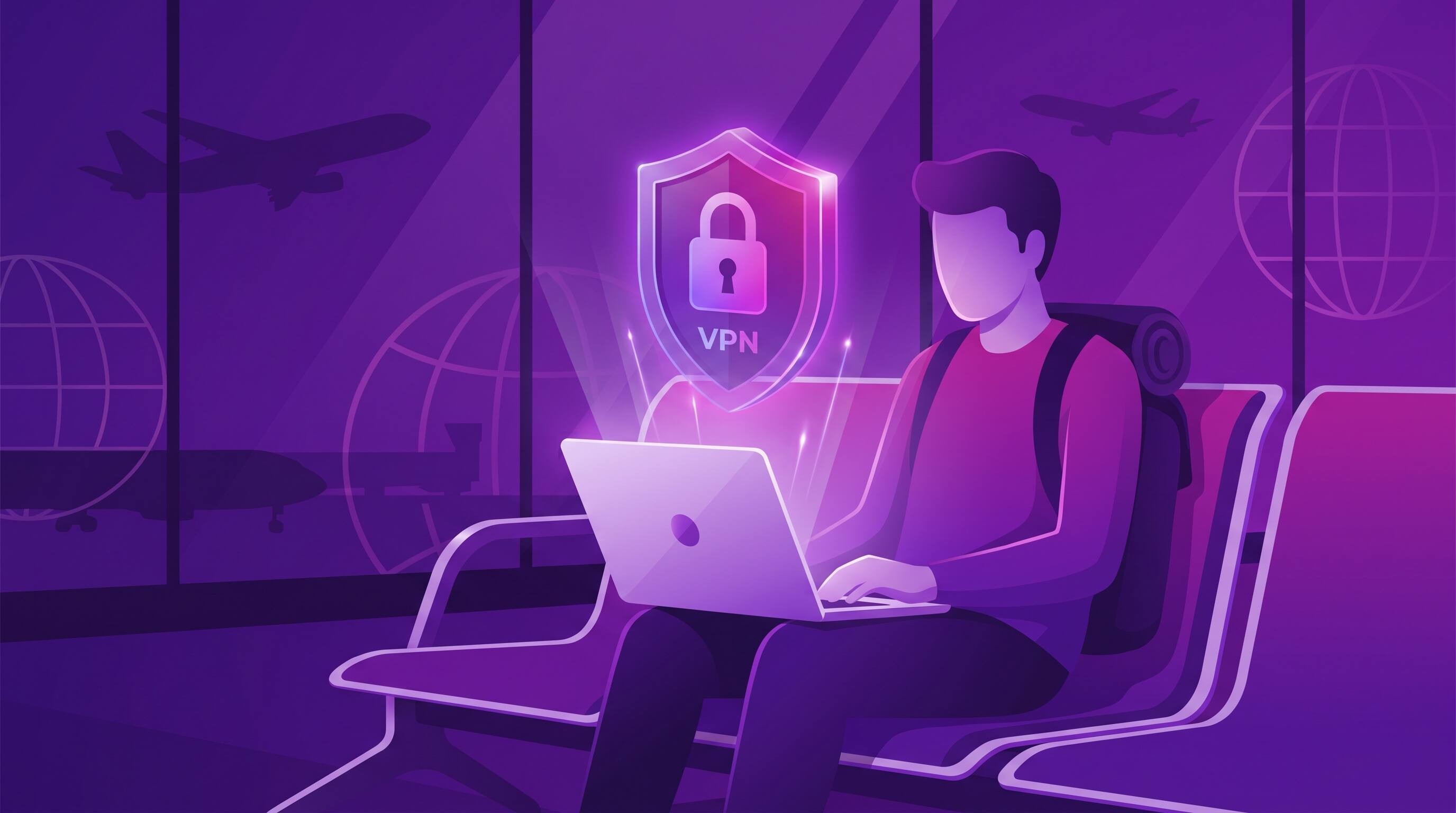
Traveling internationally opens your world—but it also opens your devices to unprecedented security risks. From unsecured hotel WiFi to foreign government surveillance, travelers face unique digital threats that most people never consider. A VPN isn't just convenient while traveling; it's essential protection that keeps your identity, finances, and personal data safe across borders.
Why Travelers Need VPN
When you're home, you're reasonably familiar with your network environment. Your WiFi router is password-protected, your mobile carrier is known, and your internet service provider operates under your country's laws. Travel flips all of this upside down.
Every café, airport, and hotel you visit offers open WiFi networks with zero encryption. Every border you cross exposes you to different surveillance laws, data retention policies, and cybercriminal hotspots. The combination creates a perfect storm for data theft, account compromise, and identity fraud.
A VPN creates a secure tunnel between your device and the internet, hiding your real location, encrypting all your traffic, and making it nearly impossible for hackers or governments to monitor your activity. For travelers, it's the difference between vulnerable and secure.
Pro Tip
Connect to your VPN BEFORE joining any public WiFi, even if it's just to check email. Cybercriminals often set up fake "evil twin" networks with names similar to legitimate ones to capture unsuspecting users.
Real Security Threats While Traveling
Understanding the actual threats you face while traveling helps you appreciate why VPN is non-negotiable:
1. Man-in-the-Middle (MITM) Attacks on Public WiFi
When you connect to an open WiFi network—airport, hotel, café—anyone else on that network can potentially intercept your traffic. Cybercriminals use tools to sniff unencrypted data passing through the network, capturing passwords, credit card information, and personal messages. A VPN encrypts all your traffic, making interception worthless.
2. Foreign Government Monitoring & Data Harvesting
Many countries monitor internet activity and require ISPs to retain user data for authorities. Some governments even block certain websites, social media platforms, or messaging apps. Even privacy-friendly countries may have agreements with other governments to share internet monitoring data. VPN masks your activity and location, making monitoring and blocking nearly impossible.
3. Account Compromise & Identity Theft
Hackers monitor tourist hotspots knowing travelers often access banking, email, and social media from foreign networks. They can intercept login credentials, lock you out of accounts, or steal identity information to commit fraud later. VPN encryption prevents credential interception at the source.
4. Currency Tracking & Price Discrimination
Websites and apps detect your location and adjust prices accordingly. Hotels charge different rates to visitors from different countries. Airlines increase flight prices when they detect you're traveling. A VPN masks your true location, helping you access fairer pricing and prevent travel-based price discrimination.
Critical Warning
Never access banking, PayPal, cryptocurrency wallets, or work email without a VPN while traveling. These accounts are high-value targets for cybercriminals and represent the greatest risk to your financial security.
How to Protect Your Personal Data Abroad
Protecting your data while traveling involves multiple layers of security working together:
Use Free VPN Immediately Upon Arrival
Install Free VPN before you travel and enable it the moment you arrive at your destination—even before connecting to hotel WiFi. The first connection is critical. Every subsequent connection reinforces security.
Verify Network Names with Staff
Before connecting to any WiFi, ask staff what the exact network name is. Cybercriminals create "evil twin" networks with names like "AirportWiFi_Secure" or "Hotel_Guest_2G" to look legitimate. Verify you're connecting to the official network with the exact name provided.
Enable VPN Kill Switch on Your Device
Most VPN apps, including Free VPN, offer a kill switch that blocks all internet traffic if the VPN connection drops unexpectedly. This prevents your device from automatically falling back to unencrypted WiFi. Keep this enabled while traveling.
Avoid Sensitive Activities on Foreign WiFi
Even with VPN protection, minimize risky activities on foreign networks. Don't access banking systems from random cafés, don't change important passwords, and don't conduct sensitive work. If you must do these things, use a mobile hotspot from your own device instead of WiFi.
Safely Unblock Content from Your Home Country
Travel is exciting partly because you experience new cultures—but sometimes you want to stay connected to home. Some countries restrict access to Facebook, Instagram, YouTube, or media services you rely on. VPN unblocks these services safely by routing your traffic through a server in your home country.
More importantly, you can access your home country's banking and government services as if you're still home. This is invaluable if you need to manage finances, file taxes, or access services that are geo-blocked to your home country residents.
Did You Know?
Some travel apps, hotel booking services, and airlines restrict access to certain features based on your location. Using a VPN to appear to be in your home country can unlock lower prices, additional booking options, and better customer service.
Travel VPN Setup & Best Practices
Before You Leave Home
- Install Free VPN: Download and set up Free VPN before you travel. Test it to ensure it works on your device and that you understand how to enable/disable it.
- Choose a Home Country Server: Select a VPN server location in your home country for optimal speed and access to local content and services.
- Understand Settings: Familiarize yourself with kill switch, protocol options, and split tunneling (if available). Knowing these features before travel prevents confusion when you're in an unfamiliar place.
- Backup Authentication: Write down backup methods to access your email and important accounts (phone, security questions, recovery codes) in case of emergency while traveling.
While You're Traveling
- Always Connect First: Connect to VPN before joining any WiFi network, even trusted hotel networks.
- Use Mobile Data When Possible: Disable auto-connect to WiFi and use your mobile carrier's data plan instead. It's slower but dramatically more secure.
- Monitor Your Accounts: Check your banking and email accounts regularly for unauthorized access. Set up alerts for unusual activity.
- Keep Software Updated: Install security patches for your operating system and apps while traveling. These patches close vulnerabilities that hackers actively exploit.
Additional Security Layers
- Use Strong Passwords: Use unique, complex passwords for every important account. Consider a password manager that works offline.
- Enable Two-Factor Authentication (2FA): 2FA adds a second security layer by requiring a code from your phone in addition to your password. Set this up before traveling.
- Disable Bluetooth & NFC: These wireless technologies can be exploited remotely. Disable them unless you specifically need them.
- Use HTTPS Only: Only visit websites that use HTTPS (look for the lock icon). Never enter sensitive information on HTTP websites, even with VPN.
Additional Travel Safety Measures
VPN is foundational, but true travel security requires a defense-in-depth approach combining multiple safeguards:
Antivirus & Security Software
Install reputable antivirus software before traveling. This catches malware you might accidentally download and prevents vulnerable devices from becoming entry points for attackers.
Data Backup
Back up your important data before traveling so you're not devastated if your device is lost, stolen, or compromised. Store backups in a secure cloud service that uses end-to-end encryption.
Document Monitoring
Travelers are targets for document theft. Keep sensitive documents (passport copies, visa records, insurance information) encrypted on your device and backed up to secure cloud storage. Consider leaving originals in a hotel safe or at home.
Account Security Monitoring
Set up alerts for all important accounts (banking, email, credit cards). Check these alerts regularly while traveling to catch unauthorized access immediately.
Conclusion: Travel Confidently With VPN Protection
Travel exposes you to cybersecurity risks you face nowhere else—unsecured networks, foreign surveillance, account compromise, and identity theft. A VPN doesn't just add convenience; it fundamentally transforms your travel security by encrypting all traffic, masking your location, and preventing unauthorized monitoring.
Free VPN provides military-grade encryption and a global network of secure servers, allowing you to travel confidently knowing your privacy and security are protected. Combined with strong passwords, 2FA, careful network selection, and regular account monitoring, VPN creates a comprehensive security strategy that keeps you safe across borders.
Whether you're traveling for business, pleasure, or as a digital nomad, protect your privacy and security from day one. Download Free VPN today, test it at home, and travel the world with peace of mind.
Key Takeaways
- Travelers face unique risks: foreign WiFi networks, currency tracking, account compromise, and data theft
- VPN masks your IP address, encrypts traffic, and prevents ISPs/networks from tracking your activity
- Always connect via VPN BEFORE joining hotel WiFi, airport networks, or any public WiFi abroad
- Use strong passwords, enable 2FA, and monitor accounts for unauthorized access while traveling
- VPN helps you safely access banking, email, and home country services from anywhere
- Combine VPN with additional security: antivirus, secure passwords, and careful data sharing


